


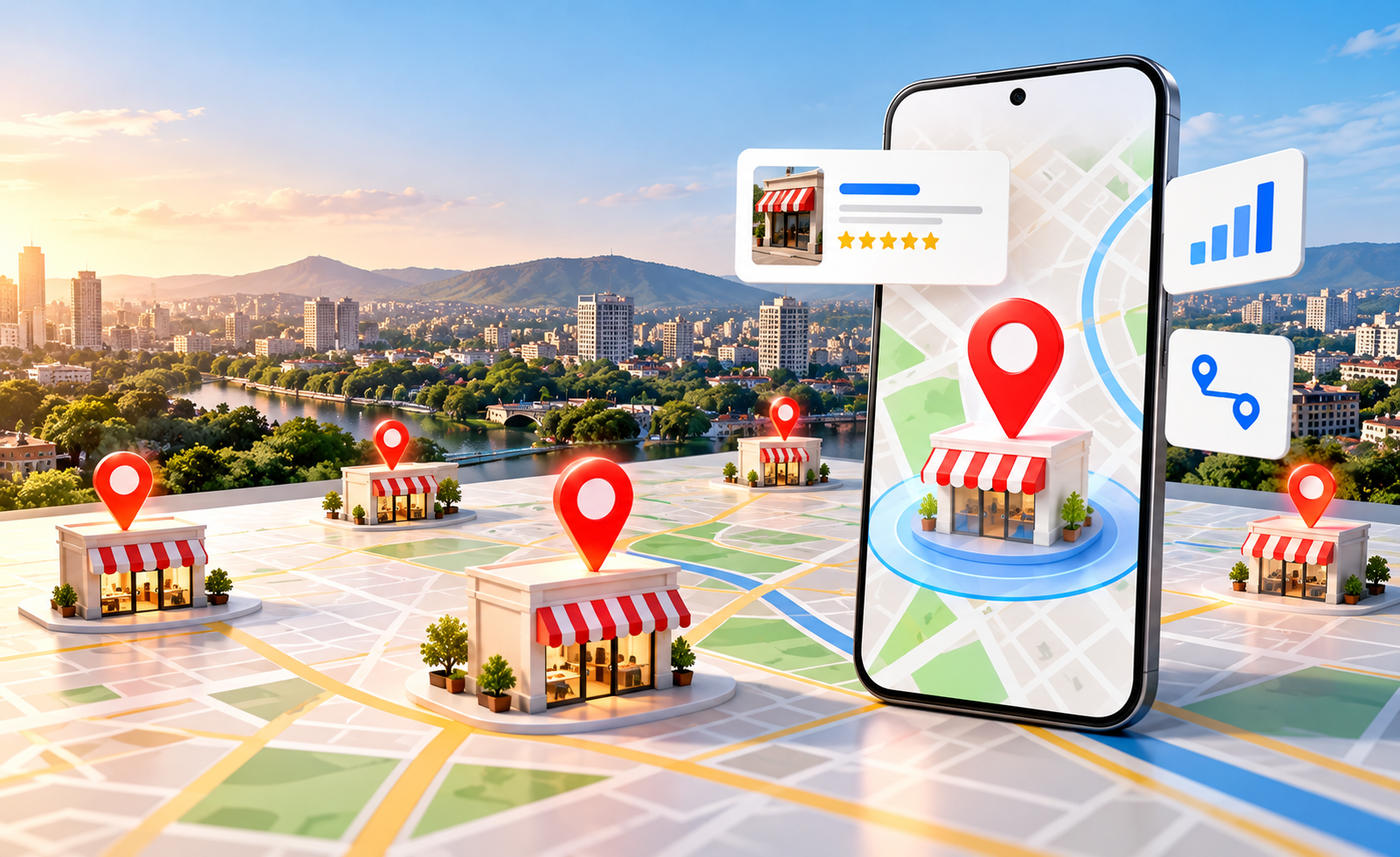
Businesses with multiple branches have a major local SEO opportunity—but also a common problem. Having locations in different areas does not automatically mean every branch will rank well in local search.
A business may have branches in Pune, Mumbai and Nashik, for example, but Google needs clear and accurate information about each location to understand where the business operates and which branch is relevant to a particular search.
This is where multi-location SEO becomes important.
A strong strategy combines dedicated location pages, accurate Google Business Profiles, consistent business information, local content, citations and a user-friendly store locator.
What Is Multi-Location SEO?
Multi-location SEO is the process of optimising a business’s online presence so that each physical location can appear for relevant local searches.
Instead of optimising only the main website, businesses create a structured digital presence for individual branches.
For example:
- Digital Marketing Agency – Pune
- Digital Marketing Agency – Mumbai
- Digital Marketing Agency – Nashik
- Digital Marketing Agency – Kolhapur
Each location should have accurate information and genuinely useful content about that specific branch.
1. Create Dedicated Location Pages
One of the most important elements of multi-location SEO is creating separate location pages for each branch.
A good location page can include:
- Branch name
- Complete address
- Phone number
- Opening hours
- Services available
- Directions
- Nearby landmarks
- Parking information
- Photos
- FAQs
- Embedded map
- Contact or enquiry option
Avoid simply creating several pages with the same content and changing only the city name. Each page should provide useful information specific to that location.
For example, a showroom page in Baner could mention nearby areas and directions that are genuinely relevant to customers visiting that showroom.
2. Create Separate Google Business Profiles
Each eligible physical branch should have its own Google Business Profile, provided it meets Google’s requirements.
This allows customers to find the nearest branch through Google Search and Maps.
Each profile should contain accurate:
- Business name
- Address
- Phone number
- Opening hours
- Primary category
- Services
- Photos
- Website/location page
Avoid creating fake locations simply to target additional areas. Local SEO works best when your online information accurately reflects your real-world business locations.
3. Maintain NAP Consistency
NAP stands for Name, Address and Phone number.
With multiple branches, keeping NAP information consistent becomes even more important.
Check each branch across:
- Website
- Google Business Profile
- Social media
- Business directories
- Local citations
- Industry listings
For example, if one branch has an old phone number on a directory while your website shows the new number, customers may become confused.
Create a central document containing the approved information for every branch and use it whenever new listings are created or updated.
4. Build Strong Branch Listings and Local Citations
Local citations are online references to your business that typically contain details such as its name, address and phone number.
For businesses with several locations, citations should accurately identify the individual branch rather than mixing information between locations.
Focus on relevant and trustworthy directories rather than trying to submit your business to hundreds of low-quality websites.
Quality and consistency are more valuable than quantity.
5. Use a Store Locator
If your business has several branches, a store locator can make your website much easier to navigate.
A good store locator can allow visitors to:
- Enter their location
- Find the nearest branch
- View the address
- Check opening hours
- Get directions
- Visit the relevant location page
- Contact the branch
This is particularly useful for retailers, clinics, restaurants, dealerships, educational centres and businesses operating multiple showrooms.
6. Create Local Content
Your location pages should be supported by useful local content.
For example, a business operating several showrooms could create content around:
- Product availability
- Local service areas
- Branch-specific FAQs
- Parking and accessibility
- Local customer requirements
- Area-specific services
The objective is not to insert city names repeatedly. It is to demonstrate genuine local relevance.
7. Keep Reviews Connected to Each Location
Reviews are an important part of local visibility and customer trust.
Encourage customers to leave genuine feedback on the Google Business Profile associated with the branch they actually visited.
A business with multiple locations should monitor reviews separately for each branch.
Look for recurring feedback about:
- Staff
- Service quality
- Product availability
- Waiting times
- Branch experience
This feedback can also help identify areas where individual locations can improve.
8. Add Branch-Specific Photos
Every location should have its own visual identity online.
Upload genuine photographs showing:
- Exterior
- Interior
- Team
- Products
- Facilities
- Signage
- Showroom
- Customer areas
This helps customers recognise the correct branch when they visit.
It also prevents your website and Google profiles from appearing like generic copies of one another.
9. Don’t Create Duplicate Location Pages
One of the biggest mistakes in multi-location SEO is creating dozens of pages with almost identical content.
For example:
example.com/pune/
example.com/mumbai/
example.com/nashik/
If the only difference is the city name, these pages provide little additional value.
Instead, make every location page genuinely useful and locally relevant.
10. Track Each Location Separately
Your SEO strategy should measure branch-level performance.
Track metrics such as:
- Local search visibility
- Website traffic
- Calls
- Direction requests
- Enquiries
- Form submissions
- Reviews
- Local keyword rankings
- Conversions
This helps identify which branches are performing well and which locations need additional optimisation.
Multi-Location SEO Checklist
For every branch, check:
☐ Dedicated location page
☐ Accurate Google Business Profile
☐ Correct NAP information
☐ Relevant local citations
☐ Branch-specific photos
☐ Accurate opening hours
☐ Genuine customer reviews
☐ Local services and content
☐ Store locator integration
☐ Clear directions
☐ Branch-level conversion tracking
Final Thoughts
Multi-location SEO requires more than adding multiple city names to your website. Each branch needs a clear and consistent digital identity that tells Google and customers exactly where the business operates and what each location offers.
Dedicated location pages, separate eligible Google Business Profiles, accurate branch listings, consistent NAP information, local citations, genuine reviews and a useful store locator can create a strong foundation for local visibility.
Whether you operate multiple offices, retail stores, clinics, restaurants or showrooms, the goal should be simple: make every genuine location easy to discover, trust and contact.
Websoft Techno can help businesses build a structured local SEO strategy that connects their website, Google Business Profiles, location pages and broader digital presence to generate stronger local visibility and enquiries.